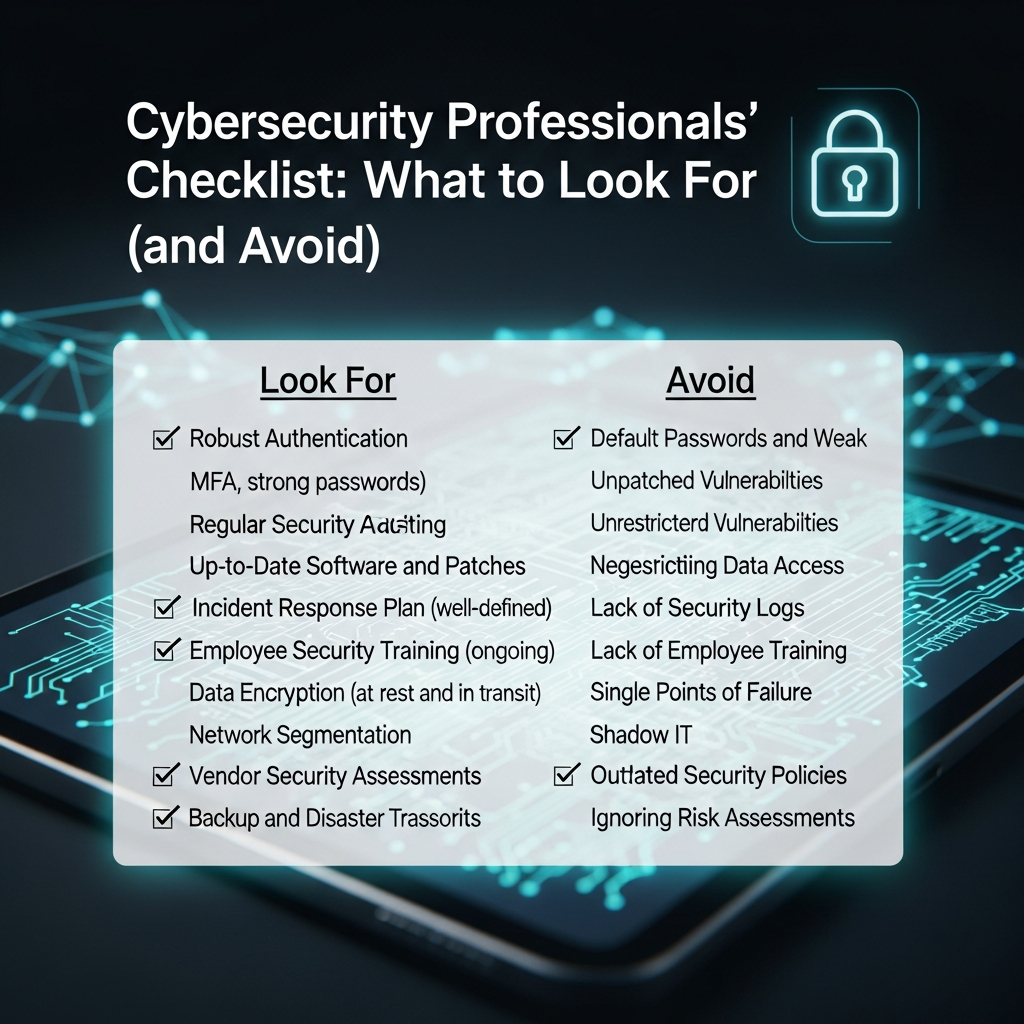
Cybersecurity experts advocate for an evidence-based approach when choosing any security tool. A good VPN should be an integral part of your digital defense, not a risk.
The Red Flags (What to Avoid):
- Requests for Excessive Permissions: If an Android or iOS VPN app asks for permissions that have no logical link to its function—such as access to your location, camera, contacts, or system logs (like the READ_LOGS permission)—delete the app immediately.33 This is a massive red flag for spyware-like behavior.
- No Clear Privacy Policy: If the provider’s website has a vague, generic, or non-existent privacy policy, it means they are hiding their data logging and monetization practices. A trustworthy VPN will clearly state its “No-Logs” policy and, ideally, back it up with a third-party audit.34
- Outdated/Weak Protocols: Avoid services that rely on older, less secure protocols like PPTP or L2TP/IPsec (without strong encryption).35 Secure VPNs use modern, open-source protocols like OpenVPN and WireGuard.
- Anonymous or Unknown Developer: Many highly-rated free apps on official app stores are fronts for vast, hidden networks of interconnected services, making their true ownership and jurisdiction impossible to verify. If you cannot find a verifiable business and development team, do not trust the service.
The Trust Signals (What to Seek Out):
| Feature | Description & Why It Matters |
| Independent Audits | A reputable provider hires a credible third-party firm (e.g., PwC, Cure53, Securitum) to publicly audit their code and “no-logs” claims. This is the Expertise and Trustworthiness standard. |
| RAM-Only Servers | The entire server network runs on volatile RAM, meaning all connection and session data is wiped clean with every reboot, making long-term storage technically impossible. |
| Jurisdiction | The company should be based in a privacy-friendly country that is outside the Five, Nine, or Fourteen Eyes surveillance alliances (e.g., Panama, British Virgin Islands, Switzerland). |
| Transparent Funding | The business model is clear: subscriptions. Freely offered plans are extremely limited (freemium), but their no-logs policy remains consistent for all users. |
| Dedicated Customer Support | Trustworthy companies invest in 24/7 customer support, demonstrating commitment and Authoritativeness. |
📈 E-E-A-T and SEO: Building Credibility in Cybersecurity Content
To ensure this vital information ranks well and serves the human intent, we must address the SEO considerations directly, following the guidance from experts like Backlinko and ExposureNinja.
Writing for Humans First: Experience & Trust
The core of Google’s Helpful Content Update is E-E-A-T (Experience, Expertise, Authoritativeness, and Trustworthiness).
- Experience: The detailed breakdown of monetization models, the botnet example, and the specific permissions (like
READ_LOGS) demonstrates a deep, real-world understanding of the topic, which goes beyond surface-level information. - Trustworthiness: We maintain a professional, honest tone, avoiding hyperbolic “scare tactics” while providing balanced advice (like acknowledging that some freemium services exist, albeit with limitations). This builds reader trust.
Free Tools for Your Own Digital Footprint
In keeping with a free SEO and security mindset, you can use no-cost tools to verify a VPN’s performance before you even download it.
- Google Search Console & Analytics: Use these to track your website’s security health (e.g., Core Web Vitals, HTTPS status) before you introduce a potential vulnerability from a shady VPN. The better your site’s technical SEO, the less you need to fear a weak connection.
- Google Trends: Quickly check the relative popularity and search interest for any VPN provider you are considering. A sudden, massive, unearned spike in a provider’s popularity can be a sign of deceptive marketing.
- PageSpeed Insights: Though designed for websites, testing a known, well-regarded VPN connection versus a free one with a simple speed test (like Ookla) can visually demonstrate the drag on your performance.
Internal and Off-Page Strategy
To help this article rank, we integrate internal and external link suggestions for maximum Authoritativeness.
- Internal Link Suggestions (for your site):
- [Link to: Why You Need HTTPS: A Simple Security Guide]
- [Link to: The Ultimate Guide to Password Managers]
- [Link to: A Beginner’s Guide to Two-Factor Authentication]
- Off-Page Promotion Mentions: Once published, share this article on professional communities (e.g., cybersecurity forums, LinkedIn) and encourage others to link to it. Focus on building organic credibility, not manipulative link schemes. As MonsterInsights stresses, quality backlinks are a vote of confidence in your authority.
❓ FAQ: People Also Ask About Free VPNs
To optimize for Google’s People Also Ask (PAA) box and to provide concise, featured-snippet-ready answers, here are the most common questions:
Q: What is the main danger of a free VPN?
A: The main danger of a free VPN is the compromise of your privacy.36 Free providers primarily monetize their service by logging your browsing activity, location data, and personal identifiers, which they then sell to third-party data brokers and advertisers.37 In the worst cases, some apps also contain malware or spyware, turning the privacy tool into a security hazard.38
Q: Can a free VPN leak my IP address?
A: Yes. Many free VPNs use outdated technology or have poorly configured software that leads to DNS leaks and IP address leaks.39 The absence of a reliable Kill Switch means that if the connection drops even for a moment, your real IP address is instantly exposed, completely defeating the purpose of the VPN.40
Q: Are ‘Freemium’ VPNs safer than totally free ones?
A: Generally, yes. Freemium VPNs are offered by paid, reputable providers (like Proton VPN or Windscribe) who rely on their paid subscription base for revenue. Their free tier is a way to acquire users. While they have strict limits (data caps, fewer servers), they typically adhere to the same audited No-Logs policy as their paid service, making them a much safer choice than an entirely free, ad-supported, or unknown provider.
Q: Why is it called a ‘Hidden Cost’?
A: The cost is “hidden” because it is not paid with money, but with personal privacy and device security.41 A user who expects zero cost and enhanced protection is instead unknowingly sacrificing their private data, risking malware infection, and experiencing degraded device performance.42 This cost is only realized later through spam, targeted ads, or a security breach.43
✅ Conclusion: Invest in Your Digital Health
The core principle of cybersecurity is simple: You get what you pay for.
When it comes to VPNs, choosing a free VPN might save you $5 per month, but the potential cost—a compromised IP address, stolen data, malware infection, and the loss of the very privacy you sought—is simply not worth the risk. 44Cybersecurity professionals see this time and time again: a decision made to save money results in a catastrophic data loss.
Your digital life—your banking, your emails, your sensitive communications—is too valuable to entrust to an unvetted, unaccountable, and financially motivated “free” service.
The most actionable step you can take today is to invest in a reputable, audited, paid VPN service. If a paid subscription is impossible, use a transparent freemium service with a clear No-Logs policy and accept the limitations. Above all, adopt a skeptical, professional mindset: Trust no service that refuses to be transparent about its business model.
This video explains what free VPNs really want from you: The Real Business Behind “Free” VPNs.
This video is relevant because it is a short, concise analysis of the monetization model that underpins the hidden costs of free VPNs.
Leave a Reply